Camp CPANEL Guide
This is an easy-to-follow, step-by-step guide to the CPANEL that gives you priority items to help get you started.
This is an easy-to-follow, step-by-step guide to the CPANEL that gives you priority items to help get you started.
In the navigation, click on “Manage Profiles” > “Online Profile.”
Complete all the relevant sections in the left navigation to ensure your listing is fully optimized before membership begins.
Your online profile, which is published on OurKids.net and Camps.ca, outlines your distinguishing features—everything that makes you unique. All the well-qualified families who click on it will find the information and insights they’re looking for to decide to register. To increase your exposure, engagement, and influence, make sure to complete each section of your profile carefully and accurately.
You’ll have access to your account throughout the year to manage and update your online profile. Here is a priority list to help get you started:
You must provide your basic information before your profile goes live on OurKids.net and Camps.ca. This section includes your logo, profile image, and mini-profile.
Note: If you’re a new client, provide your basic information and add at least one program with each of your sessions. Once you’ve done that, please email [email protected], and we’ll make your profile live.
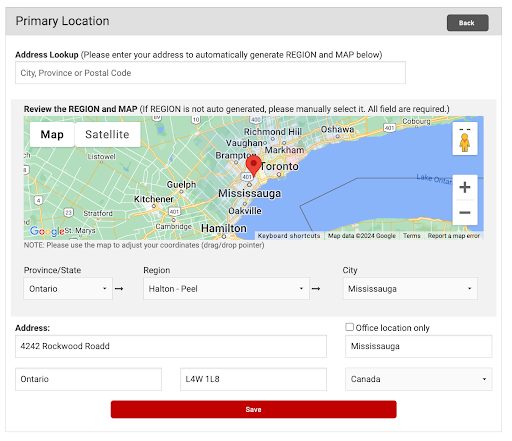
Three locations can be added (one primary and two secondary locations). Any additional locations can be added to your membership package for a fee (to learn more, please contact your account manager).
You can also add virtual locations (email [email protected] for help with this).
Upload a logo with 200 x 200 pixels. Only .jpg files are acceptable.
Upload a horizontal image of at least 732 x 455 pixels. It will appear at the top of your profile.
Ensure you provide a high-quality image and check it once your profile is live.
If you have any issues with image upload, please reach out to [email protected].
This is your primary contact to receive inquiries and leads. Include a contact name, phone number, email address, and website URL for inquiries.
Test the website URL link when your profile is live.
This section allows you to determine how you’ll be promoted. You’ll provide info about your organization such as gender, age, capacity, and cost.
Cost can be a range.
The mini-profile is a short, customizable description of your organization. It hooks families in by describing your unique offerings.

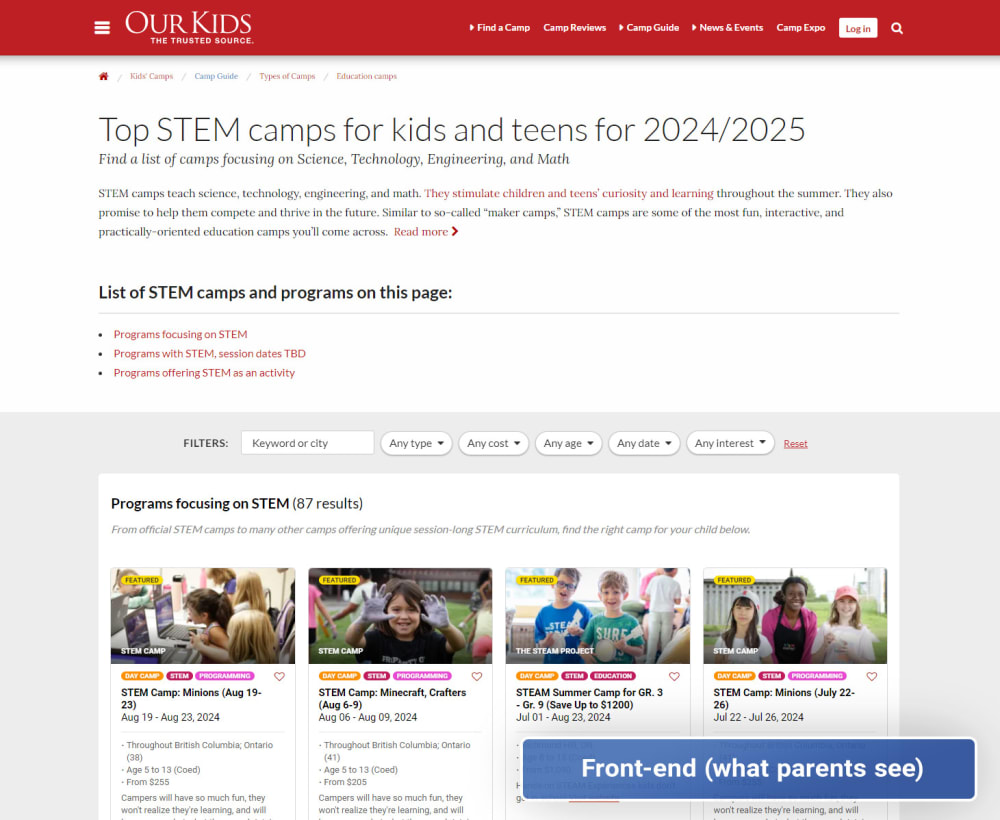
A program is any unique offering you run for an age group/type/specialty. Adding a program using your CPANEL creates a custom page for each program on OurKids.net and Camps.ca, which amplifies your reach.
Some families land on an individual program page before they visit your full online profile because your programs are featured on hundreds of pages on our two platforms.
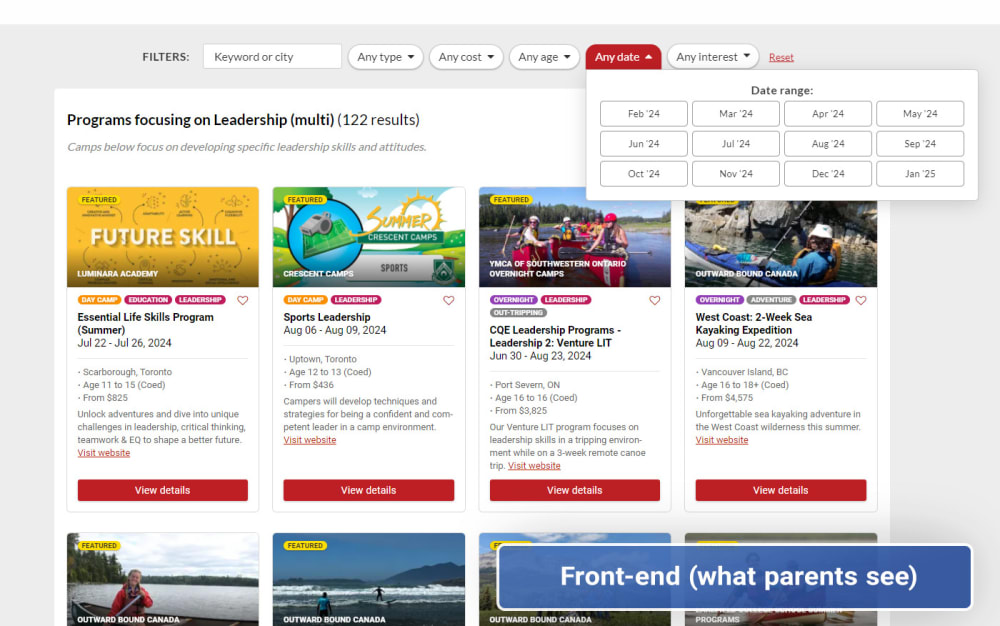
Families can filter by “Interest.” Make sure you select a "Specialty" for this program based on its area of focus. This will ensure the program appears higher on the page than if you just select it as an activity.
For example, if you select “STEM” and “Coding” as the “Specialties,” you’ll appear in the first list on the STEM and Coding pages instead.
You can add multiple sessions as rows within a program if you run it across different dates, rates, and or locations.
For example, you may offer a weekly program every Monday (10-11 AM) and every Thursday (1-2 PM) for $80/session at 123 Gym Rd. You would add 2 sessions in this case.
Add as many relevant activities for your program as you can to improve its searchability across OurKids.net and Camps.ca.
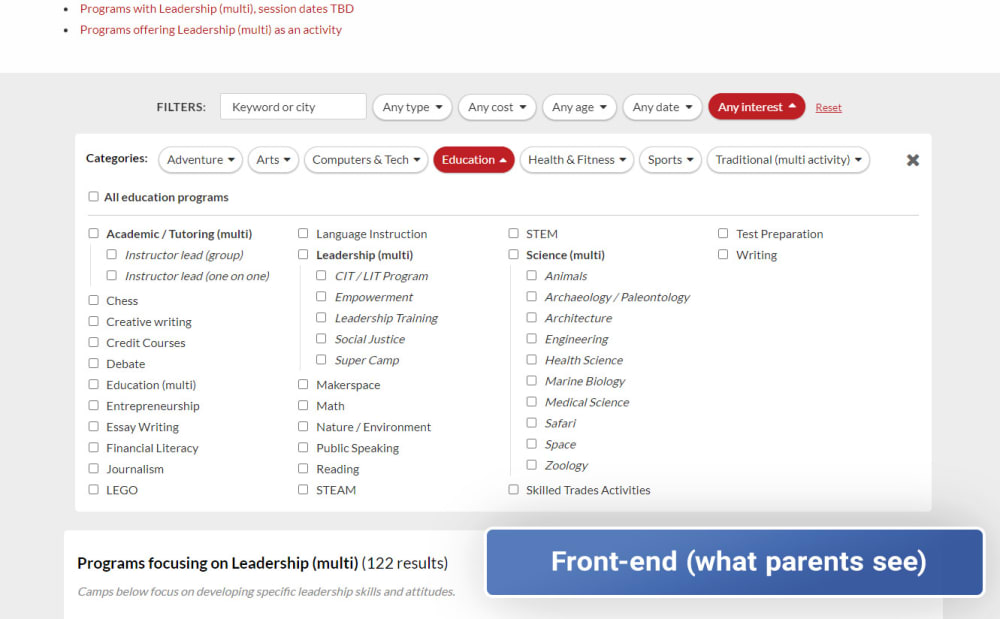
Finally, click “MAKE LIVE” to publish your program (and any future updates) on the platform.
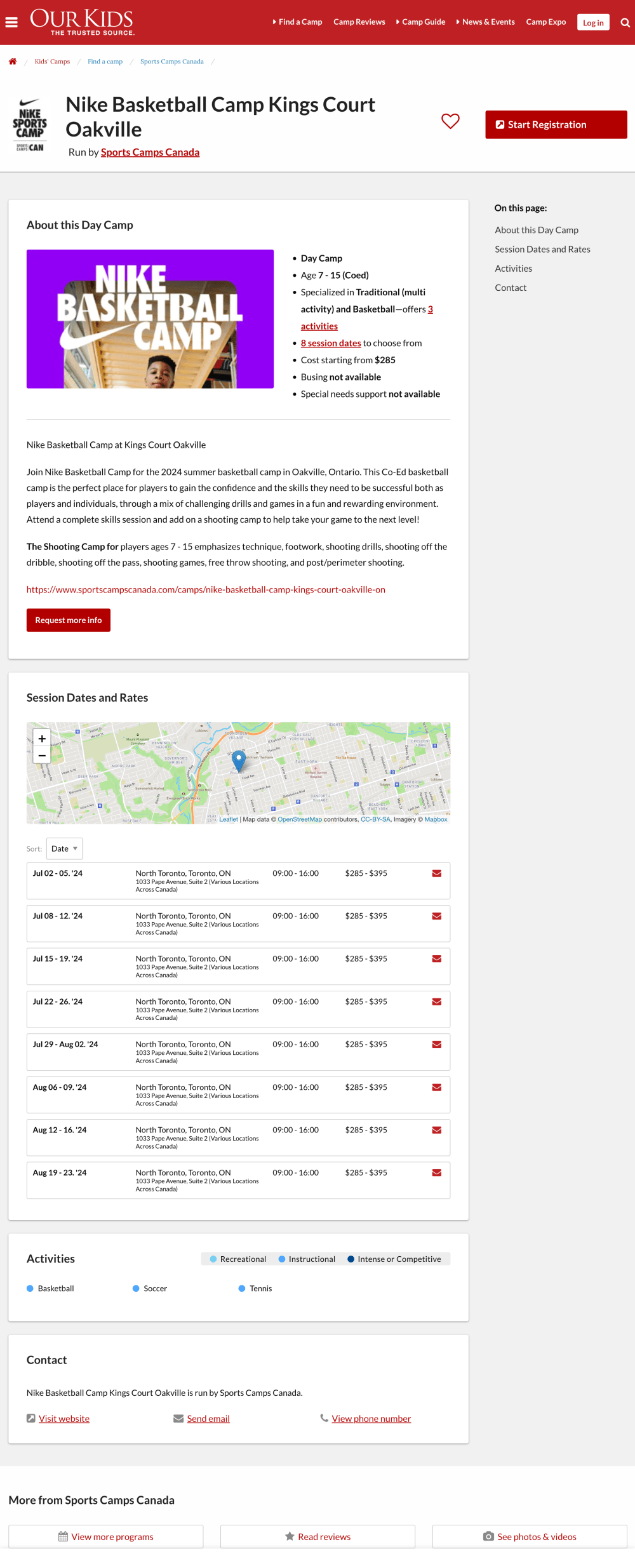
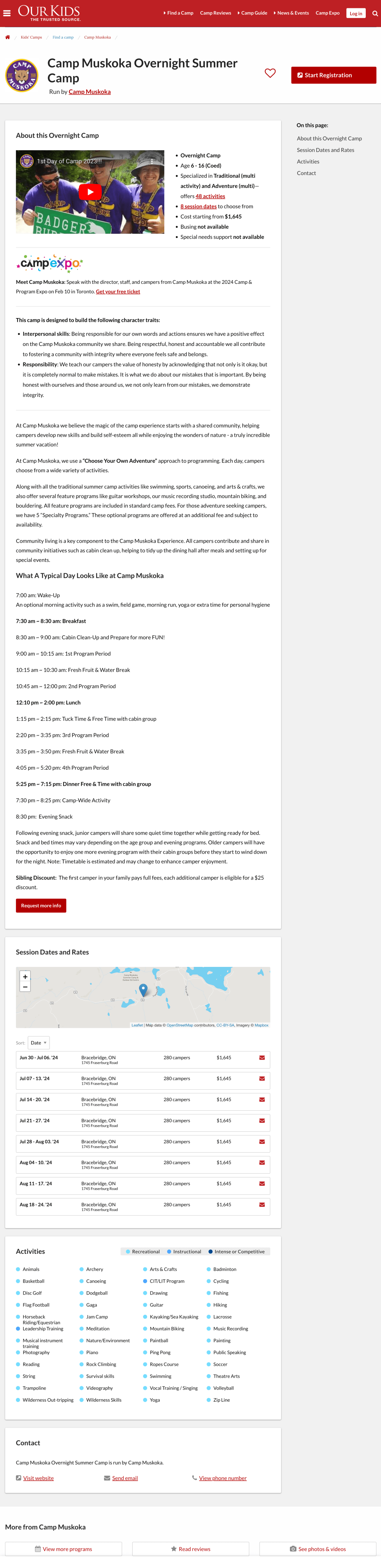
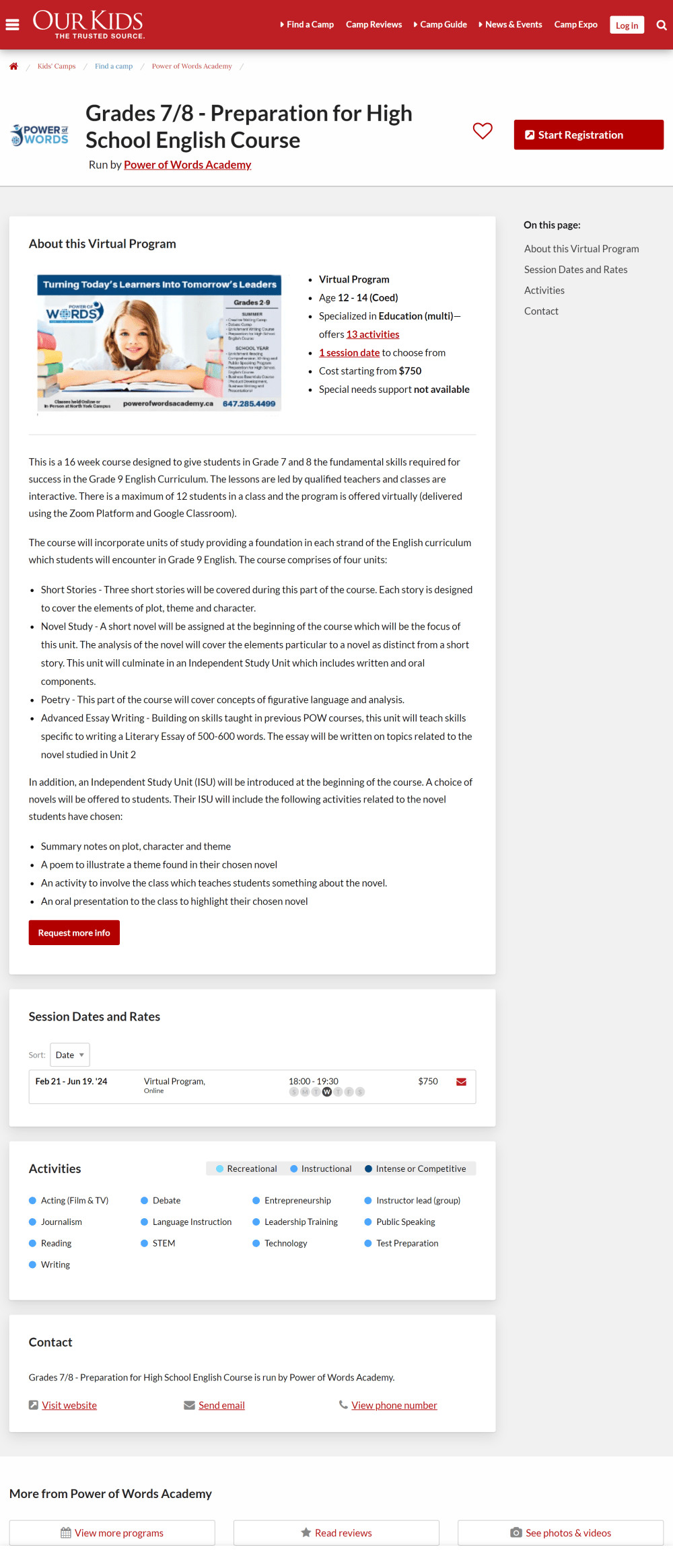
Check out these examples of fully optimized camp/program profiles (of each type).
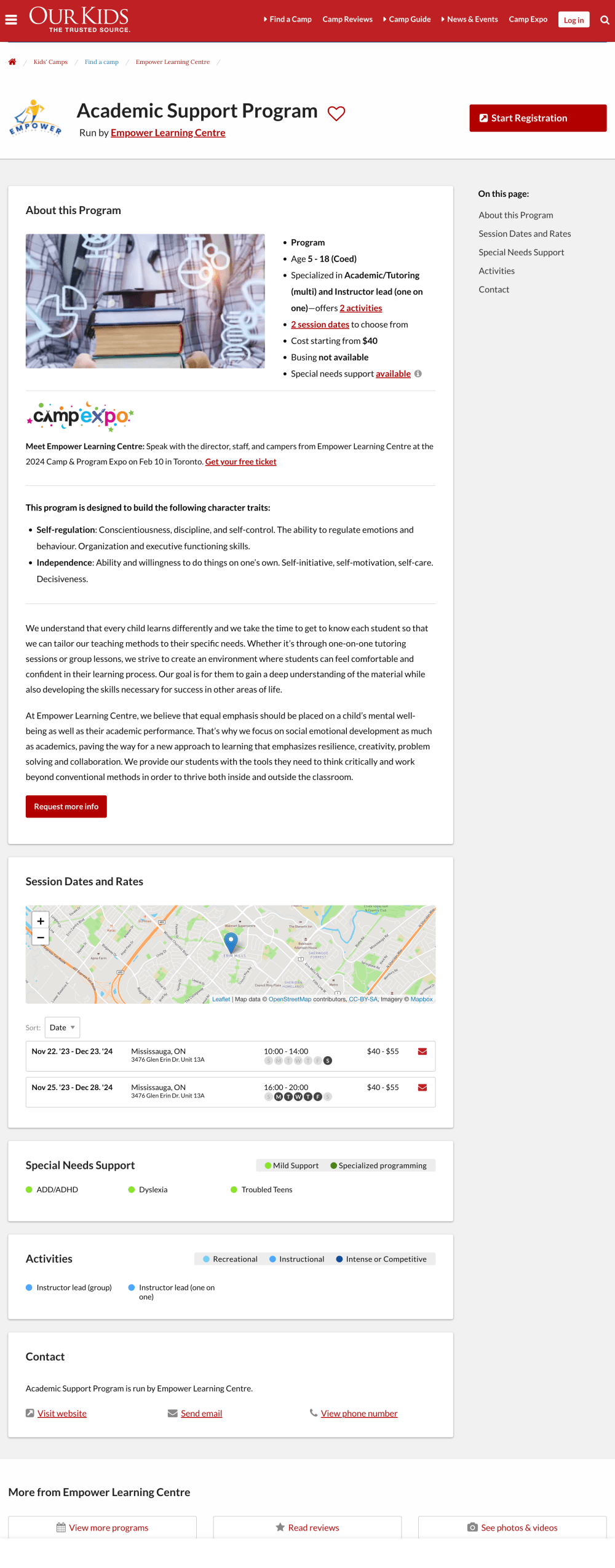
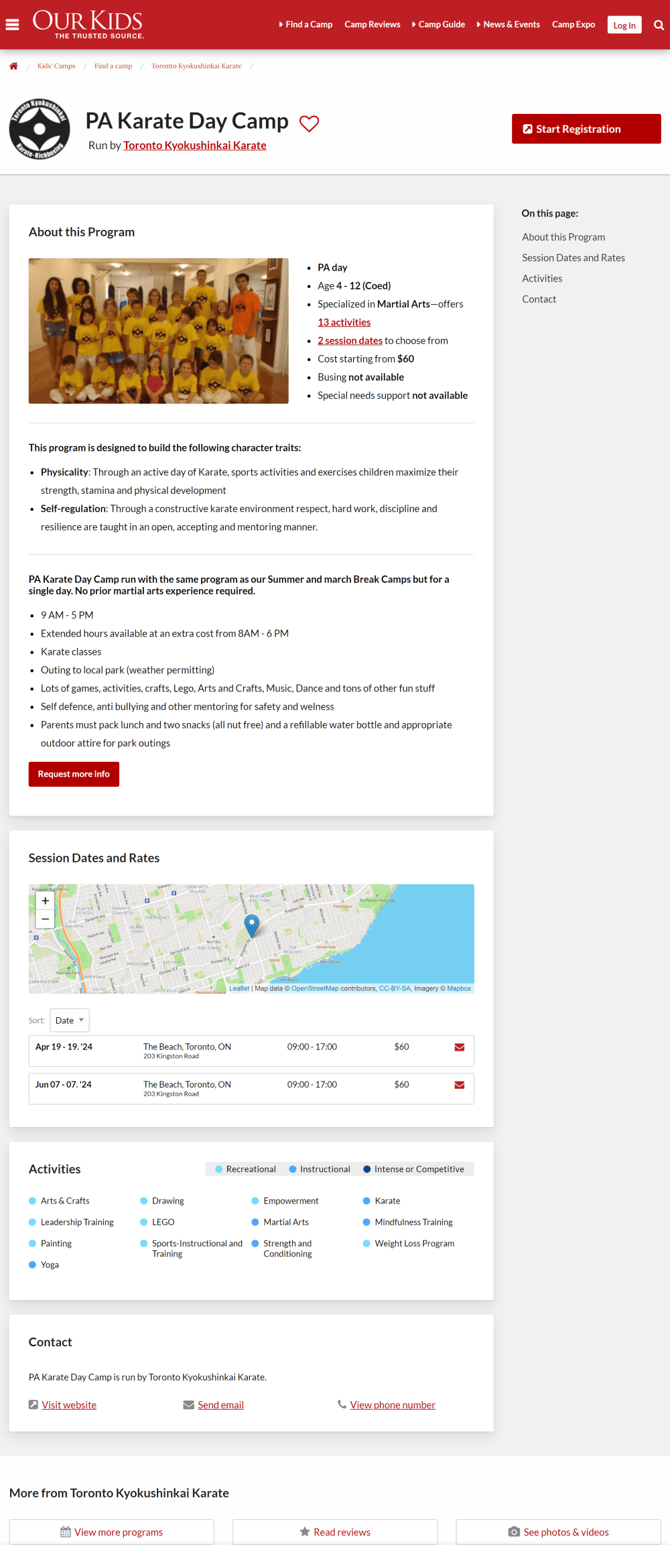
The cloning feature allows you to duplicate another program you previously created. This can be helpful if you run a similar program with different specialties, ages, types, etc.
Cloning is also possible for each of the individual sections below to create your programs with greater ease:
Families work hard to understand your programs, the space you occupy, your differentiating features, as well as who you are and who you’re not. They want to engage with you to develop the confidence they need to sign up.
Conveying your brand identity effectively is the best way to help them do this. Find examples and tips in your CPANEL section to help you get started.
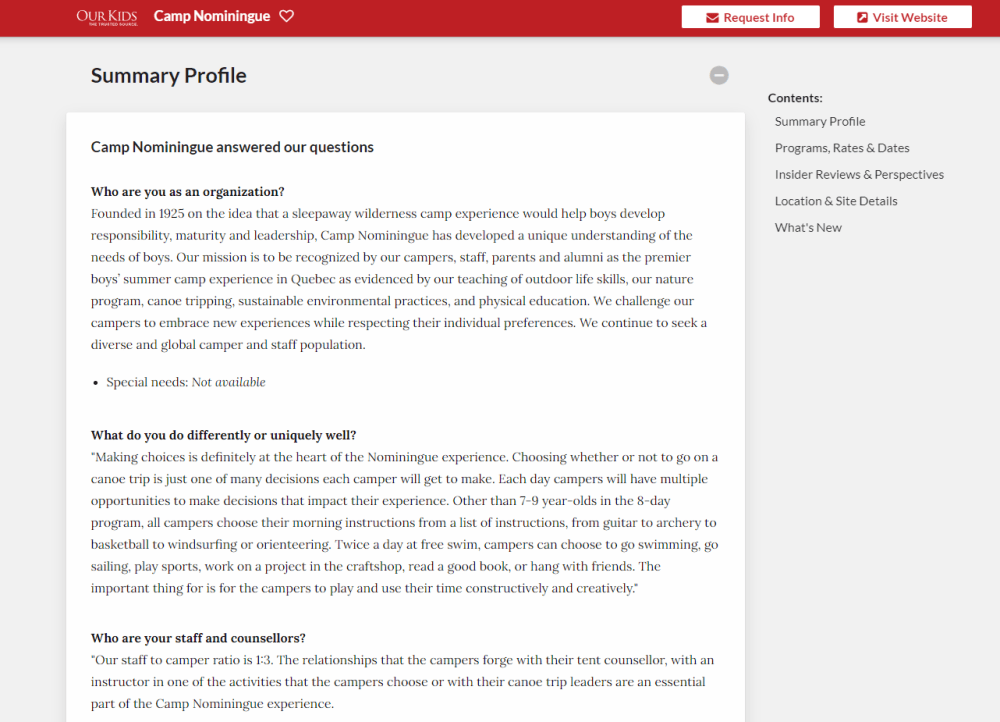
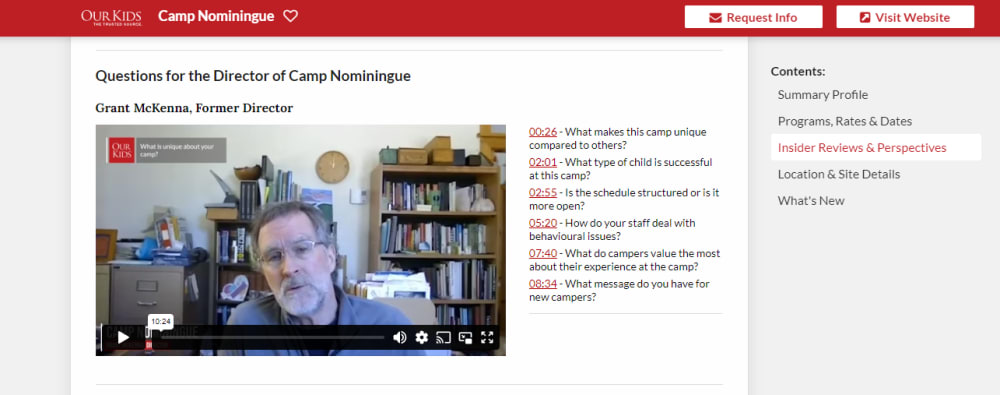
Note: Gold Members can provide video responses to the brand identity questions to augment their written ones.
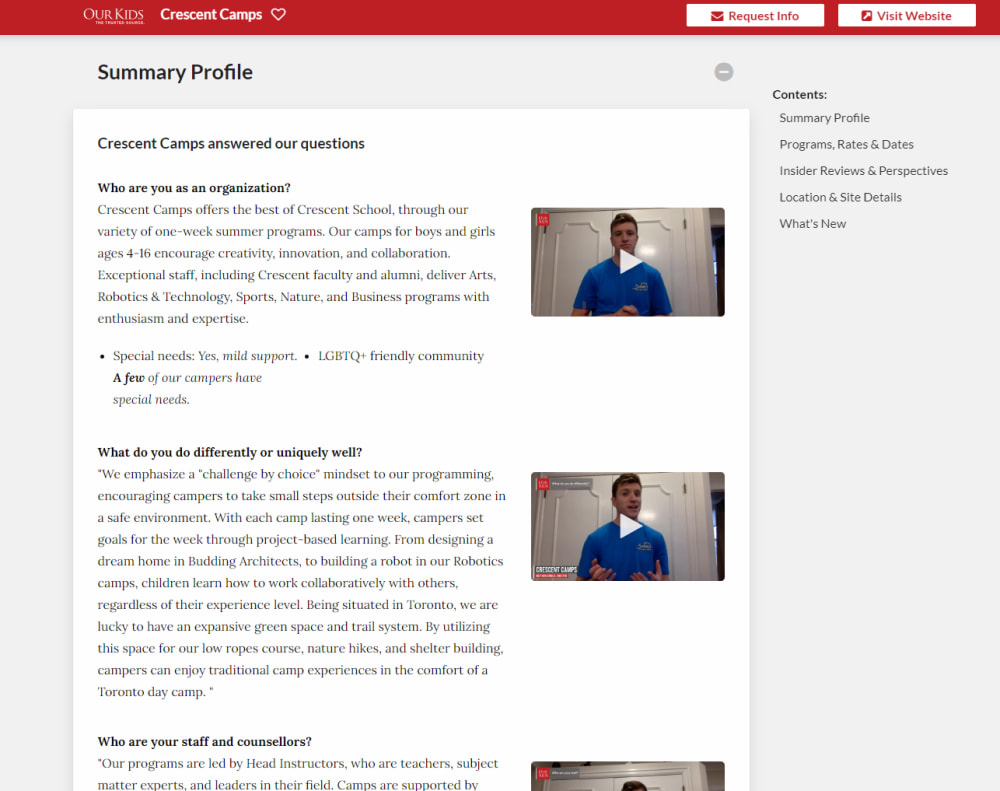
We now provide long-form user reviews of camps and programs! These highlight the experiences of current participants, alumni, and parents, and provide invaluable insights for families.
User reviews enable you to appear at the top of Google search results for keywords and phrases such as “Reviews of…” or “Ratings of…” your organization. They’re a powerful optimizing tool that increases your exposure.
The user reviews offer families detailed insights into what distinguishes your program. They boost your search visibility and drive traffic to your profile.
These reviews touch on essential topics such as:
As a special incentive, the first five eligible reviewers will receive $25.
Our Kids videos offer families an inside look into your organization's ethos through participant interviews. These first-hand experiences from past campers/participants and parents enhance your credibility and help families make informed choices.
They also help optimize your profile for Google, increasing your traffic year-round.
Find booking details, email templates, and interview questions on this page.
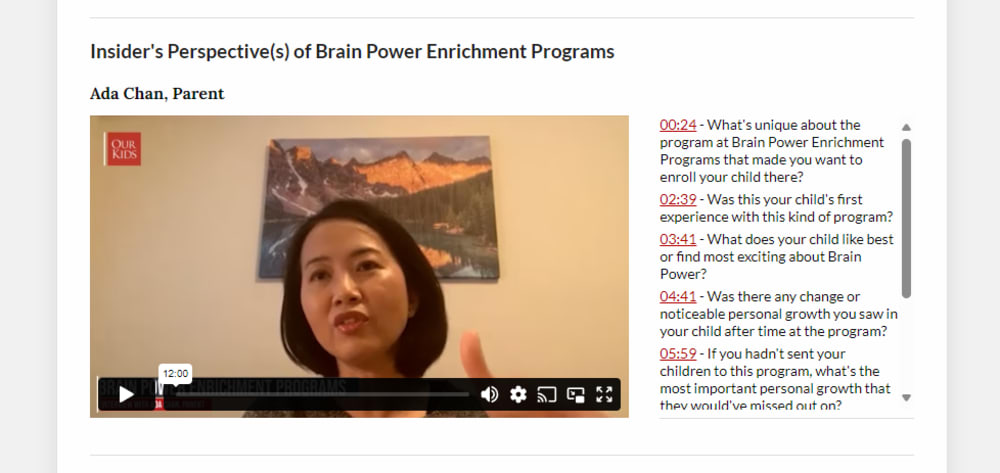
Note: Gold Members receive an exclusive director video that features your leadership and gives families a strong picture of the dynamics of your organization. Easily book this video through your CPANEL.